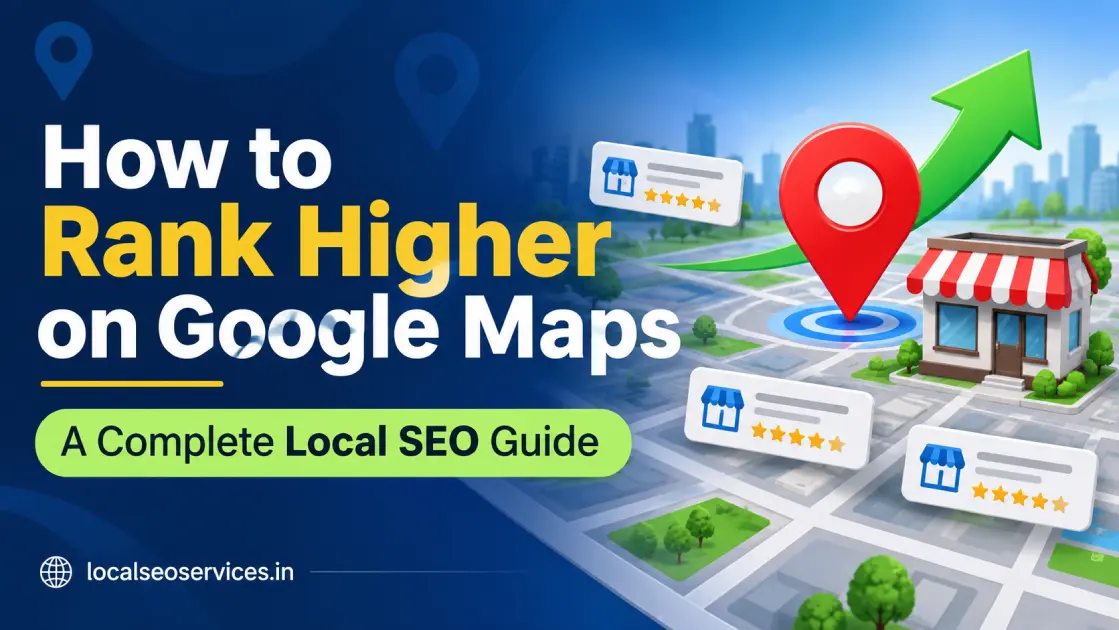
If you want to learn how to rank higher on Google Maps, you are asking a local question. Customers search for a plumber, dentist, or coffee shop near them, and Google shows a short list of businesses in the local results. Appearing near the top of that list often decides whether the phone rings or the customer drives past.
Quick Answer: How Search Engines Work
Search engines work in three stages: crawling, indexing, and ranking. Crawlers discover pages and data, indexes store what they find, and ranking systems decide which results best match a query. For Google Maps, the ranking decision depends mainly on relevance, distance, and prominence. Your Google Business Profile is the main lever you control.
Core Ranking Factors: Relevance, Distance, and Prominence
Google explains local rankings using three factors. Each one works differently, and you can influence each one in a different way.
| Factor | What Google is asking | What you can control |
|---|---|---|
| Relevance | Does this business match what the person searched for? | Categories, services, description, and business name accuracy |
| Distance | How far is the business from the searcher or the place named in the search? | Your service area and location settings (you cannot move your address) |
| Prominence | How well known is this business across the web? | Reviews, ratings, citations, links, and online mentions |
Relevance: Match the Search Intent
Relevance measures how closely your profile matches the search. A search for “emergency plumber” should lead to a business whose primary category and services say plumbing and emergency repairs. If your profile lists only “home services,” you may lose matches to competitors with precise categories.
Tip: Choose one primary category that describes your core business, then add secondary categories only when they describe real services you offer.
Distance: You Cannot Move, But You Can Target
Distance is the one factor you cannot change by editing your profile. A business in a town center will usually beat a business three towns away for a search like “bakery near me.” You can still widen your reach by listing accurate service areas for businesses that travel to customers, and by building content about the neighborhoods you serve.
Prominence: Build Real-World Trust Signals
Prominence reflects how well known a business is. Google looks at reviews, ratings, how often the business appears in trusted directories, and what the web says about it. For illustration, a dental clinic with many detailed reviews and regular local press mentions will usually have more prominence than a clinic with a handful of reviews and no outside mentions.
Step-by-Step Guide: Optimize Your Google Business Profile
Your Google Business Profile is the foundation of local rankings. Work through these steps in order, because the early steps make the later ones more effective.
- Claim and verify your profile. Sign in with the Google account that manages the business and complete verification. Unverified profiles rarely appear in the local results, so treat this as step zero.
- Match your name, address, and phone number (NAP) to your website. Use the exact business name as customers know it. Avoid adding keywords such as “Best Plumber Downtown” to the name field, because Google’s guidelines prohibit it and it can lead to suspension.
- Pick the most accurate primary category. Review the category list and select the one that best describes your main service. Add secondary categories only where they reflect real offerings.
- Add every service and product you offer. Describe each service in plain language, such as “emergency pipe repair” or “same-day drain cleaning.” Services give Google and searchers clearer signals about what you do.
- Write a useful business description. Use the description field to explain what you do, where you work, and who you serve. Write for a customer, not a search engine, and mention your core service and location once each.
- Set accurate hours, including holidays. Wrong hours cause frustrated visitors and lost calls. Update holiday hours in advance.
Choose your service area or location pin carefully. A business with a storefront should show its real address. A business that travels to customers should list the areas it actually serves. - Upload fresh, real photos. Add exterior, interior, team, and product photos. Update them regularly, and show real work rather than stock images.
- Collect and respond to reviews. Ask satisfied customers for a review after a completed job. Reply to every review, positive or negative, within a few days. Thoughtful replies show that you are active and trustworthy.
- Publish Google Posts and keep information current. Share offers, events, and updates. Check that your phone number, website, and attributes remain correct.
Note: Google’s guidelines change, and the exact fields and features in your dashboard may differ. Check the current Business Profile help documentation before you make large changes.
Common Mistakes That Hurt Local Rankings
Most local ranking problems come from a short list of avoidable errors. Check your profile against each one.
- Keyword stuffing the business name. Adding city names or service terms to your name violates Google’s guidelines and invites removal.
- Creating duplicate listings. Two profiles for one location confuse Google and split your reviews.
- Using a virtual office or mailbox address. Google may suppress listings at addresses where people cannot visit the business during stated hours.
- Ignoring negative reviews. Silence signals neglect. A calm, specific reply helps future customers decide.
- Buying or incentivizing fake reviews. This is a black-hat tactic. It can lead to suspension and damages trust with real customers.
- Inconsistent citations. Different phone numbers or address formats across directories weaken trust signals.
- Letting the profile go stale. Outdated hours, closed services, and old photos suggest the business is no longer active.
Best Practices for Long-Term Local SEO
These habits compound over time. They work best when you treat them as routine rather than one-off projects.
- Audit your profile every month. Check hours, categories, services, and photos.
- Track your visibility by location. Search for your core services from several neighborhoods and note where you appear.
- Build citations in trusted, relevant directories. Focus on industry directories and local chambers of commerce, not low-quality listing sites.
- Earn local links. Sponsor a local event, join a trade association, or contribute expert advice to a local news story. Quality beats volume.
- Create location-specific website content. A page about a specific service area helps Google connect your business to that place when it is genuinely useful to visitors.
- Make it easy to review. Send a direct review link after each completed job.
Expert Tips From Local SEO Practice
Tip: Compare your profile with the top three competitors in your map pack. Look at their categories, services, photo count, and review replies. Find what they do well, then do it better and more clearly.
- Use the words your customers use. Read your reviews for phrases such as “fixed my water heater” and reflect that language in your services and description.
- Measure what matters. Review call and direction-request counts in your Business Profile insights, and compare them before and after each change.
- Separate service-area and storefront strategies. A plumber who visits homes needs a different setup from a shop that customers walk into.
- Keep a change log. When rankings move, you will know which update likely caused it.
EEAT Optimization for Local Visibility
Google’s EEAT framework asks whether content and businesses show Experience, Expertise, Authoritativeness, and Trustworthiness. EEAT is not a ranking switch you can flip. It is a standard that shapes how you present your business, and it is the best guide for building a profile that customers and Google both trust.
- Experience: Show real work. Photos of completed jobs, dated project posts, and specific customer stories signal first-hand experience.
- Expertise: Name your qualifications, licenses, certifications, and years in business on your website and profile. Share practical guides written by the people who do the work.
- Authoritativeness: Earn mentions and links from trade associations, local media, and respected directories. Mentions from peers matter more than self-declared claims.
- Trustworthiness: Keep your NAP consistent, publish a clear privacy and contact page, answer reviews honestly, and correct errors quickly.
Semantic SEO for Local Search
Semantic SEO means covering the topic, not just the exact phrase. Google understands that “emergency plumber,” “burst pipe repair,” and “24-hour plumbing service” describe overlapping needs. Use related terms naturally across your profile and website.
- Primary entity: Your business name, category, and location.
- Related entities: Services, neighborhoods, landmarks, certifications, and brands you work with.
- Synonyms and variations: “Dentist,” “dental clinic,” “dental office,” “family dentistry.”
- Search intent variations: Emergency (“open now”), research (“best,” “reviews”), and transactional (“near me,” “price”).
Meta Title and Meta Description
These suggestions apply to a local services page. Adjust them to your business and check the final length in your search preview tool.
- Meta title (about 60 characters): How to Rank Higher on Google Maps | Local SEO Guide
- Meta description (about 150 to 160 characters): Learn how Google Maps ranks local businesses and the steps to improve your Google Business Profile, reviews, and local visibility.
Internal Linking Suggestions
You did not include the URLs of your two blogs, so I cannot name their exact pages yet. Send me both URLs and I will map specific anchor text to relevant pages. In the meantime, use this structure:
- Link from your Google Business Profile guide to your core service pages, using descriptive anchors such as emergency plumbing services.
- Link from each service-area post to the matching location page, using anchors such as plumber in [town name].
- Link to supporting posts on reviews, citations, and photos, using anchors such as how to get more Google reviews.
Conclusion
Learning how to rank higher on Google Maps comes down to three things: match what customers search for, be clearly located where they are looking, and build a reputation people can verify. Start with your Google Business Profile, fix the basics, and then build reviews, citations, and local mentions over time. Results compound, so consistency matters more than any single change.
Key Takeaways
- Google Maps local rankings depend on relevance, distance, and prominence.
- Your Business Profile categories, services, and description drive relevance.
- Distance is fixed by location, but service areas and location content help you reach nearby searchers.
- Reviews, citations, and local mentions build prominence.
- Never use black-hat tactics such as fake reviews or keyword-stuffed names.
Final Thoughts
Google’s local systems reward businesses that serve customers well and describe themselves accurately. Treat your profile as a living storefront. Update it, answer your customers, and measure what brings in calls and visits. That discipline keeps a business ranking well long after the first optimization push.
Frequently Asked Questions
How do I rank higher on Google Maps for free?
You can improve local rankings without paying Google. Claim and verify your Google Business Profile, choose an accurate primary category, add your services, keep hours current, upload real photos, and reply to reviews. These steps address relevance and prominence directly, and they cost nothing beyond your time.
Does Google Maps ranking depend on my website?
Your website supports local rankings but does not replace your profile. Google looks at whether your site matches your business information, and it helps when your site clearly describes your services and location. Consistent name, address, and phone number across the profile and site build trust.
How many reviews do I need to rank well?
There is no official minimum. Google weighs review quantity, recency, rating, and the quality of the content in reviews. Focus on a steady flow of genuine reviews from real customers rather than chasing a fixed number.
Do Google Posts improve rankings?
Google Posts keep your profile active and can attract clicks, but they are not a guaranteed ranking lever. Use them to share real offers and updates. Treat them as a way to inform customers, not as a keyword shortcut.
Can I rank in Google Maps in a city where I do not have an office?
Some service-area businesses can appear for nearby searches, but Google may not show a physical address for them. Set accurate service areas, and avoid listing an address where you cannot receive visitors. Be honest about where you work to stay compliant with guidelines.
Why does my competitor rank above me?
The most common reasons are closer distance to the searcher, a more precise primary category, more and recent reviews, and stronger citations. Compare your profile with theirs side by side, then close the gaps you can control. You cannot change your distance from the searcher.
Should I use keywords in my business name?
No. Google’s guidelines require the name to reflect your business as it operates in the real world. Adding keywords such as city names or service terms breaks those rules and can lead to suspension. Use your services and description to communicate what you do.
How do I handle a fake competitor review?
Flag the review using the report option in Google Maps and document the reason. Do not respond with insults or retaliatory reviews. A calm reply on your own profile reinforces trust while Google reviews the flag.
Does changing my address hurt my rankings?
Yes, it can. A move can cause a temporary dip while Google reevaluates the listing. Only change it when your business has truly moved, and update your website, directories, and social profiles at the same time.
How often should I update my Google Business Profile?
Review your profile monthly and update it whenever hours, services, or contact details change. Add new photos and posts regularly. Frequent accurate updates show that the business is active and well managed.
Can AI assistants recommend my business on Maps?
AI assistants often rely on public business information, reviews, and web mentions. Accurate profiles, consistent citations, and detailed reviews make your business easier to summarize and cite. Keep your information accurate everywhere, because AI tools pull from the same public sources customers see.